Using an Apple AirTag for seniors provides a simple way to track essential items like keys and bags through the iPhone Find My app. These compact trackers help elderly users maintain independence by offering precision location features and audible alerts to quickly find misplaced belongings.
Misplacing essential items like keys, wallets, or eyeglasses is more than a minor inconvenience for seniors living independently; it often disrupts daily routines and causes unnecessary anxiety. While traditional search methods involve retracing steps and checking every drawer, modern technology offers a far more efficient solution. Apple AirTags provide a sophisticated yet accessible way to keep track of your most important belongings with digital precision. In this guide, we explore how these small tracking devices function as practical tools for senior residents in Phoenix. You will learn the exact steps to set up your device, how to navigate the Find My app, and which accessories offer the best combination of comfort and security. We also address important considerations regarding battery maintenance and ethical usage. By the end of this article, you will understand how to leverage this technology to maintain your autonomy and eliminate the frustration of lost items.
What is an Apple AirTag and How Does it Help Seniors?
We have all experienced that sudden spike of cortisol when it is time to leave for an appointment and the car keys are nowhere to be found. It is a universal frustration that can make a morning feel hectic and disorganized. An Apple AirTag for seniors offers a practical, modern solution to this common headache. Roughly the size of a silver dollar or a large coat button, an AirTag is a compact tracking device designed to keep tabs on your most essential belongings.
The primary benefit of this technology is the peace of mind it provides. By attaching an AirTag to a keychain or tucking one into a purse, you gain the ability to see exactly where that item is located directly on your screen. Because these devices work exclusively with the Apple ecosystem, they integrate perfectly with iPhones, Macs, Apple Watches and iPads.
At Digital Assistant, we provide personalized technology assistance to ensure these tools feel like helpful companions rather than technical burdens. If you find the initial pairing process intimidating, you can always contact our Phoenix team for expert guidance. Using an AirTag is not about admitting forgetfulness; it is a sophisticated way to use existing technology to protect your time and reduce daily stress.
The Daily Benefits of Using an AirTag in Phoenix

Living in the Valley means navigating expansive environments, from the sprawling campuses of the Mayo Clinic to the multi-level parking structures at Scottsdale Fashion Square. In the peak of a Phoenix summer, wandering through a sun-baked parking lot looking for a vehicle is more than an inconvenience; it can be a genuine health risk. Tucking an Apple AirTag for seniors into a glove box or center console allows you to pin the exact location of your car. Your iPhone can then guide you directly to the spot, minimizing the time you spend exposed to the desert heat.
These devices are equally valuable for smaller, high-stakes items. If you are preparing for a lunch date in Paradise Valley or heading out for an early morning golf outing, the last thing you want is to be delayed by a misplaced purse or gear bag. An AirTag allows you to confirm the location of your items instantly, ensuring you remain on schedule for your social commitments.
The technology behind this is impressively robust. An AirTag does not require its own cellular connection or a nearby Wi-Fi signal to work. Instead, it sends out a secure Bluetooth signal that can be detected by the millions of other iPhones and iPads throughout Arizona and the world. If you accidentally leave an item at a restaurant or a friend's house, those nearby devices anonymously report the location back to you. This global network provides a safety net that spans miles, yet remains completely private. If navigating these settings feels overwhelming, our team provides personalized technology assistance to help you master the Find My network. For those who want a one-on-one tutorial, you can easily contact our Phoenix team to set up a home visit.
How to Set Up Your AirTag: A Step by Step Guide
Setting up an Apple AirTag for seniors is designed to be a straightforward, "plug and play" experience, but knowing exactly what to expect helps remove any initial hesitation. Before you start, ensure your iPhone is updated and that Bluetooth is turned on. Once you are ready, follow these simple steps to get your device connected to the Find My network.
Prepare the device. Remove the AirTag from its packaging and pull the small plastic wrap away. You will notice a clear plastic tab sticking out of the side. Pull this tab straight out to activate the battery. The AirTag will emit a short, pleasant chime to let you know it is powered on.
Bring it close. Unlock your iPhone and hold the AirTag about an inch away from the screen. Within a few seconds, a window will automatically pop up on your phone showing a picture of the AirTag.
Start the pairing. Tap the button on your screen that says "Connect."
Name your item. Your phone will show a list of common items like Keys, Wallet, or Luggage. You can select one of these or scroll down to "Custom Name" to be more specific. If you have multiple sets of keys or two cars, naming them "Mom's Keys" or "Silver Lexus" helps you stay organized.
Finalize the link. Tap "Continue" to register the device to your Apple ID. This ensures that only you can see where your items are located.
If the setup window does not appear immediately, it usually just means the phone needs a moment to recognize the new device. This process does not require you to navigate complex settings or understand the internal radio frequencies of the phone; the software does the heavy lifting for you. Should you run into any hurdles during this process, our team provides personalized technology assistance to handle the configuration for you. You can also contact our Phoenix team to schedule a visit where we can set up multiple tags for your home and car in one session.
Using the Find My App to Locate Your Belongings
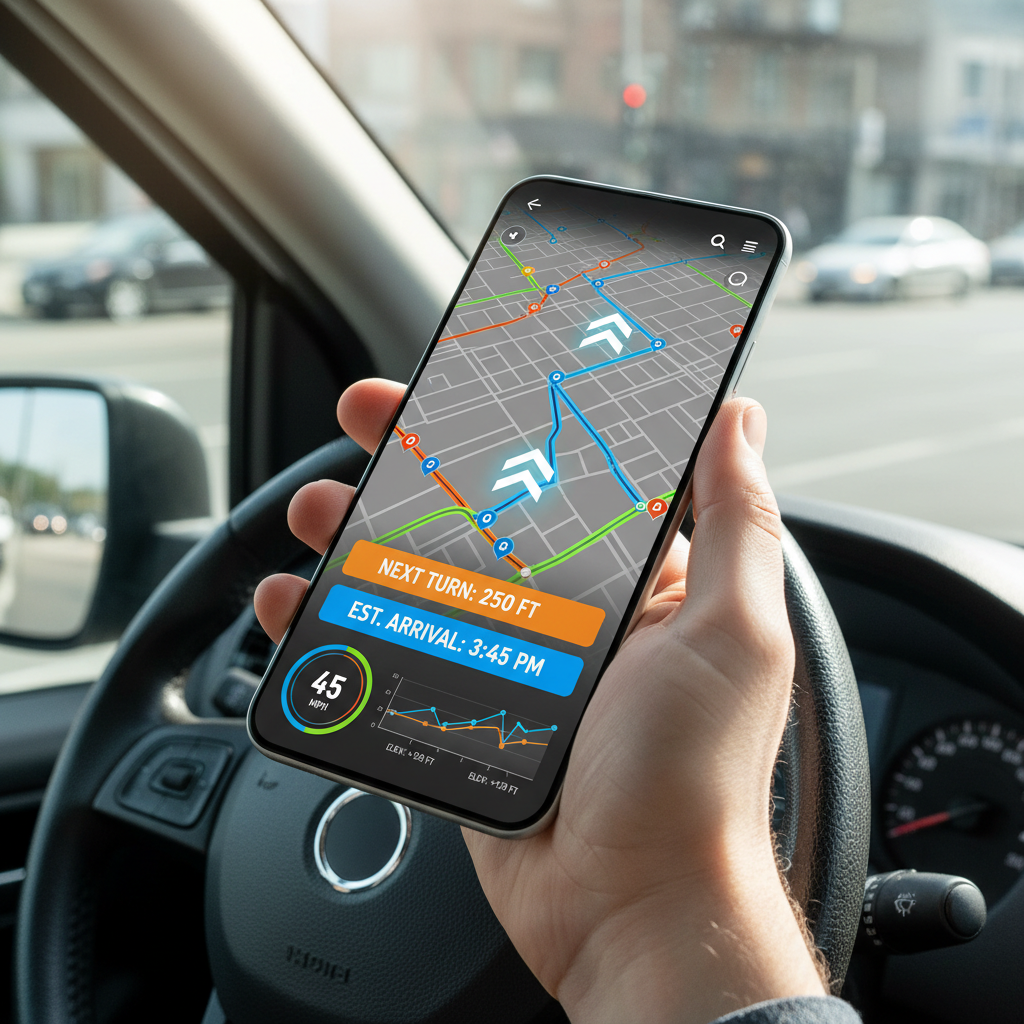
Once your device is paired, the Find My app becomes your primary tool for recovery. To begin, open the app on your iPhone and tap the "Items" tab at the bottom of the screen. Select the specific item you are looking for, such as your purse or car keys. From here, you have two powerful ways to locate your belongings depending on how close you are to the object.
The first and simplest method is the Play Sound feature. When you tap this button, the AirTag emits a distinctive, high pitched chime. This is particularly helpful when an item is nearby but out of sight, such as a wallet that slipped deep between couch cushions or keys hidden under a pile of mail on the kitchen counter. You won't believe where your keys disappear to, this is a lifesaver. The sound is designed to be audible even through fabric or leather, providing a clear trail for you to follow.
If the sound is not enough, or if you prefer visual guidance, Precision Finding is the next step. This feature transforms your iPhone into a high tech compass. As you move around your home, your screen will display a large green arrow pointing you in the right direction, along with the exact number of feet between you and the item. As you get closer, the phone will provide haptic feedback, which is a small vibration, to let you know you are on the right track.
This feature is extremely practical. I have used AirPlay and Find My app to: find lost keys in a large mall, rip an iPad Mini out of couch lining, track a Mac stolen at a coffee shop during a hurricane and find an iPhone in a snowbank.
Learning to navigate this interface is a common step in mastering an Apple AirTag for seniors. While it may feel unfamiliar at first, the technology is remarkably accurate. If the on screen instructions ever feel overwhelming, our team at Digital Assistant provides personalized technology assistance to walk you through a practice run. You can always contact our Phoenix team to ensure you feel confident using these tools before a misplaced item causes any stress.
Best AirTag Accessories for Seniors: Bracelets, Necklaces, and Clips

The AirTag is a marvel of industrial design, but its smooth, coin like surface presents a minor challenge: it has no built in hole or loop. To attach an Apple AirTag for seniors to a set of keys or a medical bag, you will need a dedicated holder. Selecting the right accessory is about more than just aesthetics; it is about finding a solution that works with your physical comfort and daily lifestyle.
Many people search specifically for an AirTag bracelet for seniors or an AirTag necklace. These wearable options are popular because they keep the device secure and visible. However, for those with limited hand strength or arthritis, certain mechanical attachments are easier to manage than others.
Accessory Type | Best Use Case | Benefit for Seniors |
|---|---|---|
Carabiner Clip | Walkers or Handbags | Large gate is easy to open and close with the palm. |
Silicone Sleeve | TV Remotes or Cases | Soft grip makes it easier to hold and locate small items. |
Adhesive Mount | Mobility Scooters | Sticks permanently without needing to manipulate a ring. |
A heavy duty carabiner is often superior to a traditional split ring keychain because it does not require the prying motion of a fingernail to open. Similarly, a silicone sleeve can provide extra friction, making a slippery TV remote or a glasses case easier to grasp. Our team provides personalized technology assistance to help you choose and install these accessories for maximum utility. If you need help attaching a tag to a specific device or choosing a secure mounting location, you can contact our Phoenix team for a quick hands on demonstration.
Can You Use AirTags to Track a Person?
While choosing a bracelet or clip is helpful for objects, a frequent question we receive is whether an Apple AirTag for seniors can be used to monitor a person, specifically a loved one with dementia or wandering tendencies. It is important to understand that Apple explicitly designed these devices for inanimate objects, not people. Unlike a dedicated GPS tracker, an AirTag does not provide a real time, continuous stream of location data. Instead, it relies on the proximity of nearby iPhones to update its position. In a quiet residential neighborhood or a less populated area of the Valley, the location might not update for long periods; this delay represents a significant risk in an emergency.
There are also critical privacy and ethical hurdles to consider. To prevent stalking, Apple built in alerts that trigger if an AirTag moves with someone who does not own it. If you tuck a tag into a family member's pocket without their knowledge, the device will eventually emit a loud beeping sound to alert them of its presence. For someone experiencing cognitive decline, this unexpected noise can cause unnecessary confusion or distress.
For genuine personal safety and wandering prevention, we recommend an Apple Watch for Seniors. These wearables offer active GPS tracking, Fall Detection, and emergency SOS features that are much better suited for human safety. If you are trying to decide which device provides the right level of security for your family, our team provides personalized technology assistance to help you weigh the pros and cons. You can also contact our Phoenix team to discuss setting up a dedicated safety device that offers true peace of mind.
Maintenance Tips: Battery Life and Durability
Maintaining an Apple AirTag for seniors requires very little day to day effort. Each device uses a standard CR2032 coin cell battery designed to last approximately one year. You do not need to monitor the power levels yourself; your iPhone will automatically send a notification when the battery is running low. This ensures you are never caught off guard with a dead tracker when you need it most.
When the time comes to replace the battery, one small detail makes a real difference. Many CR2032 batteries sold in stores are coated with a bitter tasting substance to prevent children and pets from swallowing them. That coating can interfere with the electrical contact inside your AirTag, causing it to be difficult to press and twist into place or even fail to work. To avoid this hassle, look for a CR2032 battery that is not treated with a bitterant coating. You can check the packaging carefully, or choose a battery that does not advertise a bitter safety coating on the label. This one simple choice keeps the replacement smooth and keeps your AirTag working properly.
Beyond battery life, these devices are built for desert durability. They feature an IP67 water resistance rating, which means they can survive a splash or being dropped in a puddle during a heavy Phoenix monsoon. If the "press and twist" motion required to open the battery cover is difficult for your hands, our team provides personalized technology assistance to manage these replacements. You can contact our Phoenix team at any time to ensure your devices remain powered and protected.