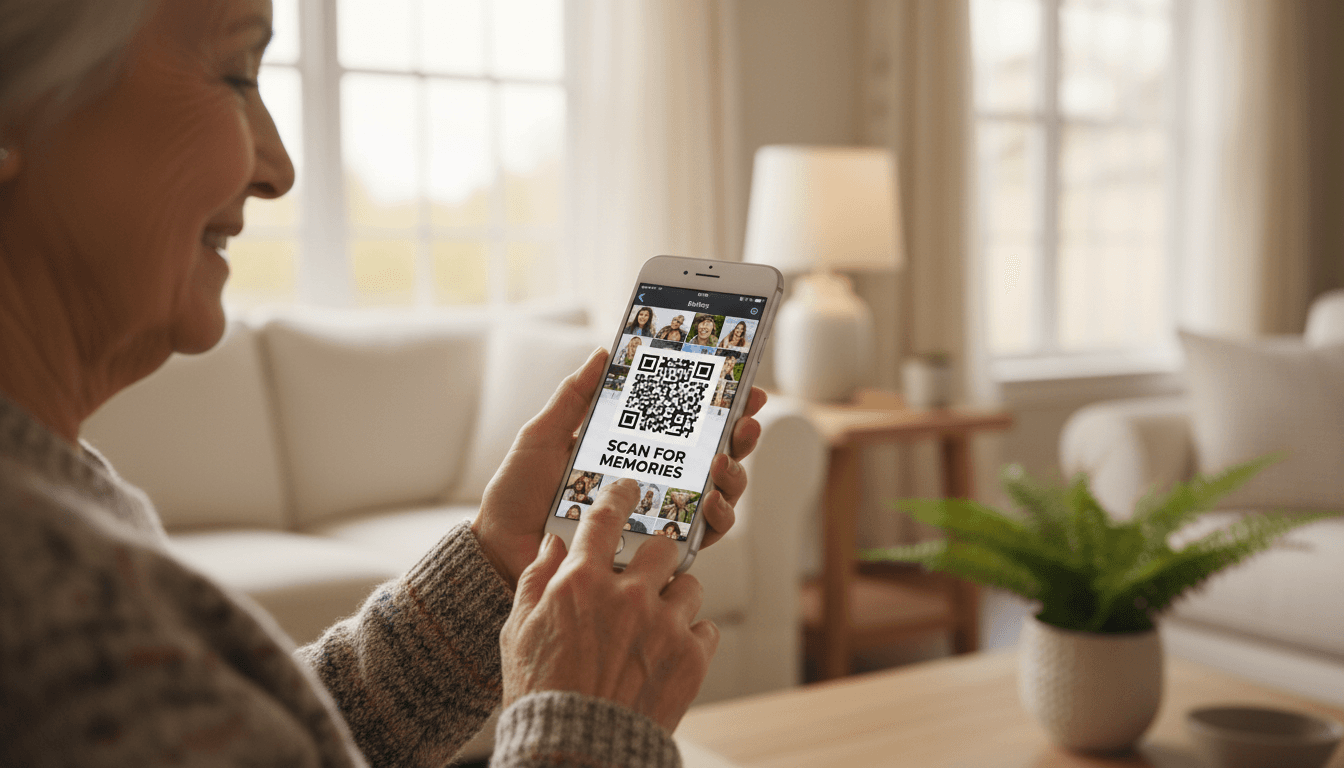
You can turn phone photos into photo book calendar wall art by using intuitive mobile apps or websites that sync directly with your phone's gallery. Simply upload your favorite images, choose a pre-designed layout, and order high-quality physical products delivered right to your door.
For many seniors, the thousands of photos stored on a smartphone often feel inaccessible; they remain trapped within a digital gallery that is rarely revisited. This disconnect creates a missed opportunity to enjoy life’s most meaningful milestones in a physical, tangible format. Converting these digital assets into high quality photo books, functional calendars, or elegant wall art preserves your legacy while making memories a daily part of your home environment. This guide provides a systematic approach to selecting your best images, navigating senior friendly design applications, and overcoming common technical hurdles. You will discover how to curate a personalized collection that serves as a perfect family gift or a lasting addition to your decor. We will explore everything from organizing your mobile library to installing wall art without the need for traditional tools, ensuring your digital history becomes a beautiful reality.
The Joy of Holding Memories: Why Seniors Should Print Their Digital Photos

In the era of smartphones, we capture more moments than ever before, yet these memories often remain trapped behind a glass screen. For many seniors, the transition from physical photo albums to digital galleries feels like losing a tangible connection to the past. Digital clutter can be overwhelming; a phone gallery with thousands of unsorted images often creates more stress than joy. Converting these files back into physical objects transforms a hidden digital archive into a source of daily inspiration.
Research suggests that holding a physical photograph provides unique cognitive and emotional benefits. The tactile sensation of turning a page in a photo book or seeing a family portrait on the wall strengthens memory recall and fosters a deeper sense of belonging. When you turn phone photos into photo book calendar wall art, you create a legacy that is easy to share with grandchildren during their next visit. Instead of squinting at a small screen, you can sit together on the sofa and flip through a high quality book that tells your story.
At Digital Assistant, our mission is to provide personalized technology assistance that removes the frustration from this creative process. We believe that modern technology should serve your life, not complicate it, by making your most cherished memories accessible and beautiful once again.
Choosing Your Project: Comparing Photo Books, Calendars, and Wall Art
Once you decide to move images off your device, the next step is selecting the format that best suits your goals. Each project serves a different purpose in your home or as a gift for loved ones. When you choose to turn phone photos into photo book calendar wall art, understanding these distinctions helps you focus your time and energy effectively.
Photo books are the modern equivalent of the traditional family album. They excel at telling long, cohesive narratives. If you have fifty photos from a recent trip to the Grand Canyon or want to compile a chronological history of your grandchildren's school years, a book is the ideal choice. These are compact, easy to store on a coffee table, and invite quiet reflection.
Calendars offer a blend of utility and sentiment. Because they are replaced every twelve months, they become a wonderful recurring gift tradition for family members. You can assign specific family members to their birth months or feature seasonal local scenery from around the Valley. They provide a daily reason to look at a cherished memory while staying organized.
Wall art includes canvas prints, framed photos, or modern metal prints. This format is designed for your most impactful portraits or landscapes that you want to enjoy every single day without opening a cover. A high quality print of a family wedding or a favorite sunset over the Camelback Mountains transforms a digital file into a permanent piece of home decor.
Project Type | Best For... | Primary Benefit |
|---|---|---|
Photo Book | Travelogues, life stories, or year-in-review collections. | Tells a complete story in a compact, tactile format. |
Calendar | Holiday gifts for relatives and daily organization. | Practical use that refreshes your memories every month. |
Wall Art | Single, high-impact portraits or favorite landscapes. | Enhances your living space with constant visual joy. |
If you feel unsure about which project to tackle first, a personalized technology assistance session can help you evaluate your photo library to see which format fits your specific collection of images best.
Step 1: Selecting and Organizing Photos on Your iPhone or Android
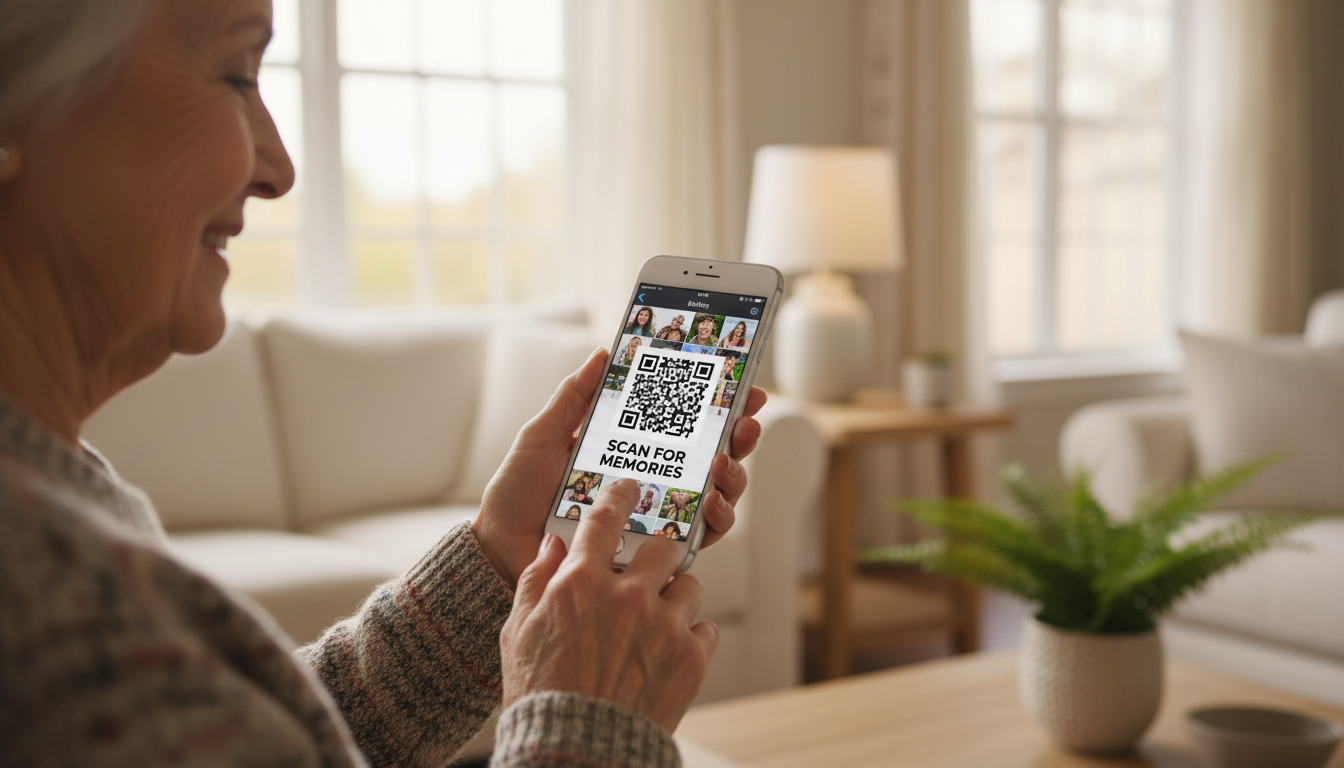
To turn phone photos into photo book calendar wall art successfully, you must first separate your highlights from daily digital clutter like grocery list reminders or accidental screenshots. The most effective way to do this is using the "Favorites" strategy. On both iPhone and Android devices, every photo has a small heart icon nearby. As you scroll through your library, tap the heart on the images that truly resonate with you. This simple action automatically places those shots into a dedicated "Favorites" album, narrowing a library of thousands down to a manageable selection of 20 to 50 high-quality images.
Quality control is essential during this selection process because printing requires more visual information than a digital screen. Pay close attention to lighting and focus; if a photo looks dark or slightly blurry on your phone, those flaws will be magnified once printed on paper or canvas. You may encounter a "low resolution" warning in certain apps. This simply means the photo file is too small to look sharp at the size you have chosen. This often happens with photos sent via text message, which are compressed to save space. Whenever possible, use original photos taken directly with your camera app for the best image clarity.
Sifting through years of memories can feel like a daunting task. If you are unsure which photos will print well or how to navigate your folders, you can contact a Digital Assistant in Phoenix for personalized technology assistance. We can sit with you in your home to help organize your library, identify the highest quality files, and ensure your favorites are ready for the next step of the creative process.
Top Senior Friendly Apps to Turn Phone Photos into Photo Book Calendar Wall Art
Once your Favorites album is ready, the next step is choosing the right tool to bring those images to life. While professional design software often requires navigating complex menus and fine-tuned settings, several apps are designed specifically for speed and simplicity. These senior-friendly platforms allow you to turn phone photos into photo book calendar wall art without a steep learning curve.
Chatbooks is the premier choice for those who prefer automation. It can be set up to automatically create a small photo book every time you add sixty new photos to your Favorites. The interface features large, readable buttons and a limited number of steps, making it ideal if you want a hands-off approach to preserving memories. It removes the stress of layout design by doing the work for you.
Shutterfly offers the greatest variety of products, ranging from standard prints to customized gifts. While it has more options than other apps, the mobile interface uses a straightforward drag and drop system. You can easily move a photo from your gallery into a pre-made template. If the app detects a problem with image clarity, which is the sharpness and detail of your photo, it will flag the image with a simple warning icon so you can choose a sharper version before printing.
Mixtiles focuses exclusively on wall art. Their app is perhaps the simplest of the three; you select your photos, choose a frame style, and the project is ready for checkout. The checkout process is transparent and secure, clearly displaying the total cost and shipping address before you finalize the purchase.
Service | Best Feature | User Experience |
|---|---|---|
Chatbooks | Automatic creation | Very simple; minimal decision-making required. |
Shutterfly | Product variety | Versatile; uses guided templates for calendars and books. |
Mixtiles | One-tap wall art | Streamlined; focused solely on lightweight wall tiles. |
If you find these interfaces confusing or if the screen text feels too small, a session for personalized technology assistance can help. We can walk you through the installation and your first checkout to ensure you feel confident using these tools independently. You can contact a Digital Assistant in Phoenix to set up a time to review these apps together on your own device.
Making Keepsakes at Stores You Already Know: CVS and Walgreens
You do not need a special app or website to turn your phone photos into gifts. Two of the most familiar places for many seniors, CVS and Walgreens, offer photo printing right at the store or online, and your pictures come straight from your phone.
Both stores let you print standard photos in minutes, often from a kiosk inside the store or through their website and app. You can also order larger keepsakes and gifts. Here are some of the things you can make:
Physical photos: Pick your favorites and print them in common sizes like 4x6 or 5x7. These are great for frames, scrapbooks, or mailing to family.
Calendars: Build a wall calendar where every month features a different family photo or memory.
Mugs: A custom photo mug makes a cozy, personal gift for coffee or tea lovers.
Posters and enlargements: Turn a favorite portrait or landscape into a poster sized print to frame at home.
Photo books: Put a whole trip or year together in one softcover or hardcover book.
Canvas prints and wall decor: Order a canvas or framed print ready to hang.
Starting is simple. Visit the CVS Photo or Walgreens Photo website, or use their app, and upload the pictures you want to use. Once your order is ready, you can usually pick it up at the store, which saves on shipping and lets you see the result in person. In some cases you can order right at a photo kiosk inside the store, and a helpful staff member can often show you the first few taps if you get stuck.
Because these are stores you likely already visit for everyday needs, they can feel less intimidating than a brand new service. If you would like a hand getting your photos uploaded or picking the right size, a personalized technology assistance session can walk you through it step by step.
How to Design a Personalized Photo Calendar for Family Gifts
Designing a calendar is one of the most rewarding ways to turn phone photos into photo book calendar wall art because it combines daily utility with a year long journey through your favorite memories. Start by selecting twelve primary images from your Favorites folder to serve as the featured art for each month. For a thoughtful touch, match each photo to the season or a specific family milestone. You might choose a photo of your grandson for June if that is his birthday month, or a vibrant desert landscape for the cooler months in the Valley.
Modern printing apps allow you to go beyond the pictures by customizing the date grid itself. You can type names and occasions directly onto the calendar squares before placing your order. This ensures you never miss a birthday, anniversary, or graduation again; it is a level of personalization that store bought calendars simply cannot provide. If the process of aligning photos and typing in dates feels tedious on a small screen, our personalized technology assistance can help you finalize the layout. You can contact a Digital Assistant in Phoenix to schedule a session where we handle the technical clicks while you make the creative choices.
Creating Wall Art without the Hassle of Hammers and Nails
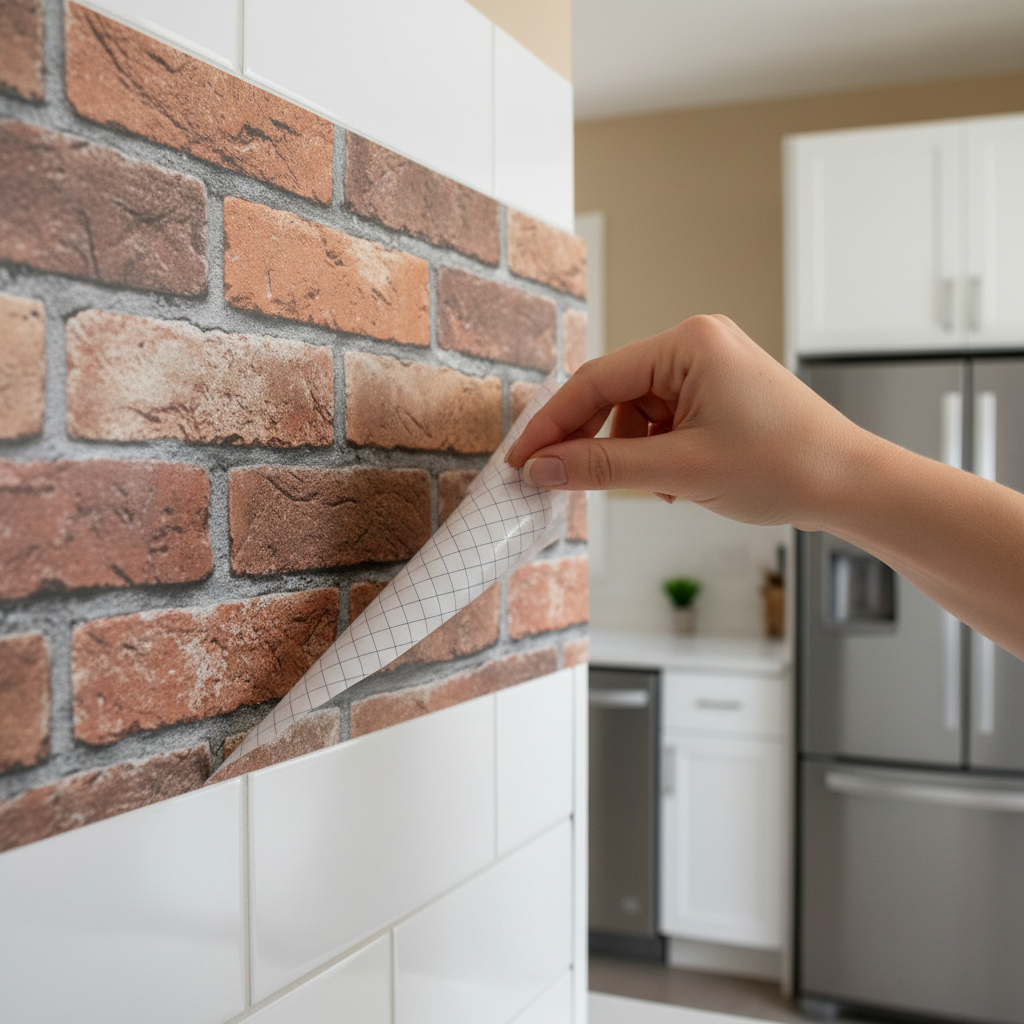
Traditional framing often requires a level, a hammer, and a steady hand, which can be a significant barrier. When you turn phone photos into photo book calendar wall art, the wall art portion has become much more accessible thanks to modern peel and stick technology. These lightweight photo tiles use a specialized adhesive that allows you to press them directly onto the wall without any tools, nails, or hardware.
This is particularly beneficial for residents in Phoenix area retirement communities where minimizing wall damage is a priority. Because the tiles are remarkably light, they pose no safety risk if they are bumped; they also do not require the physical strain of managing heavy glass and wood frames. You can create a professional gallery wall in your living room in minutes without needing to hire a handyman. If the physical act of reaching up or aligning the tiles feels daunting, our personalized technology assistance team can help you finalize the project. You can contact a Digital Assistant in Phoenix to ensure your new memories are displayed perfectly.
Common Technical Hurdles and How to Overcome Them
If an app suddenly closes or freezes while you are arranging your layout, it is usually a sign that your device is running low on temporary memory or your internet connection stuttered. Simply close the app completely and restart your device; most modern apps save your progress automatically in the "Drafts" section. If you prefer to work on a larger screen, you can often start a project on your smartphone and finish it on a tablet. To do this, ensure you are logged into the same account on both devices so your Favorites album syncs correctly through the cloud.
The checkout process is often the most intimidating step. When you are ready to pay, look for the small lock icon in the address bar or a secure checkout badge. To save money, look for a field labeled "Promo Code" or "Discount" before clicking the final purchase button; these services almost always offer significant savings for first time users. When entering your credit card, ensure you include the three or four digit security code to verify the transaction.
Successful high resolution uploads require a stable system and a strong connection. A personalized technology assistance session can provide a tech tune up to clear your device's cache and update your software, ensuring your phone handles large photo transfers without stalling. You can contact a Digital Assistant in Phoenix to verify your security settings are optimized before you turn phone photos into photo book calendar wall art for the first time.
Personalized Technology Assistance in Phoenix
While many apps claim to be user friendly, the reality of navigating a new interface often brings unexpected frustration. A small error message or a confusing button can quickly turn a creative project into a headache. Digital Assistant offers personalized technology assistance to help you bridge that gap. We visit seniors in Phoenix, Scottsdale, and Mesa to transform the process of digital preservation into an enjoyable, social afternoon.
Instead of viewing this as a tech chore, think of it as a collaborative storytelling session. We sit down with you to sort through your favorite memories, choosing the perfect layouts and captions together. Our goal is to make sure you feel confident and empowered as you turn phone photos into photo book calendar wall art for the first time. If you are ready to move your memories from your screen to your home, you can contact a Digital Assistant in Phoenix to schedule a visit. We handle the technical troubleshooting while you focus on the joy of creating something lasting for your family.
Preserving your favorite digital memories as physical keepsakes is a wonderful way to brighten your home and share stories with your family. Whether you choose a classic photo book or a custom wall calendar, these projects turn your phone gallery into something truly special. If you find the technical steps a bit overwhelming or simply want a professional to handle the design for you, I am happy to assist. You can explore my Services to see how we can work together to bring your photo projects to life.