Most personal electronics like laptops, tablets, and smartphones are permitted in both carry-on and checked bags, but any device with a lithium-ion battery or a portable power bank must be stored in your carry-on. When determining what electronic devices can I bring on a plane carry on vs checked, remember that spare batteries and e-cigarettes are strictly forbidden in checked luggage; additionally, it is safer to keep expensive or fragile items in the cabin with you.
Packing electronics for a flight often feels like solving a complex puzzle where one wrong move leads to a security line delay or a confiscated device. For many seniors, the confusion surrounding lithium battery regulations at airports like Phoenix Sky Harbor creates unnecessary stress before the vacation even begins. Understanding these rules is not just about convenience; it is a critical safety requirement mandated by the FAA to prevent fire hazards in the cargo hold. Knowing exactly which items must stay by your side and which can be tucked away ensures a seamless transition through the terminal. This guide provides a definitive breakdown of where to pack your tablets, vapes, and medical technology. You will learn the golden rule for lithium batteries, the specific protocols for essential devices like hearing aids, and receive a practical checklist to help you master the art of traveling with modern technology.
Understanding the Golden Rule for Lithium Batteries
Traveling from Phoenix Sky Harbor requires a clear understanding of TSA and FAA safety protocols. When determining what electronic devices can I bring on a plane carry on vs checked, the answer almost always depends on the battery type. Most modern gadgets use lithium-ion batteries. While these are efficient, they pose a significant fire hazard if they short-circuit or overheat. If a battery ignites in the passenger cabin, flight attendants can use specialized equipment to extinguish it immediately. However, a fire in the pressurized cargo hold is much harder to detect and manage safely.
To pack correctly, you must distinguish between installed and spare batteries.
Installed Batteries: These are sealed inside your device, such as those found in a smartphone, tablet, or laptop.
Spare Batteries: These include portable power banks, external battery packs, and loose lithium batteries.
The fundamental rule for seniors is simple: if it has a rechargeable battery, it belongs in your carry-on bag. Spare lithium batteries and power banks are strictly prohibited in checked luggage because of their potential to combust. While you can technically check some devices with built-in batteries, it is safer to keep them with you to prevent damage or loss. At Digital Assistant, we provide personalized assistance with devices to help you organize your tech and manage these rules before your next trip.
Phones, Tablets, and Laptops: Where Do They Go?

The question of what electronic devices can I bring on a plane carry on vs checked is most relevant when packing your primary communication and entertainment tools. For devices with built-in batteries, such as an iPad, Kindle, or MacBook, the TSA technically allows them in either bag. However, our team at Digital Assistant strongly advises against placing these expensive items in checked luggage. Bags in the cargo hold are subject to rough handling, extreme temperature fluctuations, and a higher risk of theft. Keeping your tablet or laptop in your carry-on ensures it remains under your direct supervision throughout the journey.
When you arrive at the security checkpoint, be prepared for the bin rule. TSA regulations require that any electronic device larger than a standard cell phone be removed from your bag and placed in a dedicated bin for X-ray screening. This includes tablets, e-readers, and full-sized laptops. You should place these items flat in the bin with nothing covering or beneath them. The only common exception to this rule is for travelers enrolled in TSA PreCheck; these passengers can typically leave their electronics inside their bags during the screening process.
Device Type | Recommended Location | TSA Screening Requirement |
|---|---|---|
Smartphones (iPhone, Android) | Carry-on | Stays in bag |
Tablets (iPad, Galaxy Tab) | Carry-on | Separate bin |
E-readers (Kindle, Nook) | Carry-on | Separate bin |
Laptops (MacBook, PC) | Carry-on | Separate bin |
If you find the process of organizing your devices or navigating security apps overwhelming, you can contact us for a free consultation to help prepare your tech for travel. Organizing your gear ahead of time ensures you are not fumbling with zippers or protective sleeves while the line moves behind you. Once your primary computers are accounted for, you must also consider specific rules for smaller, specialized gadgets. Even a Bluetooth speaker could be the cause of a bag inspection.
Vapes and E-Cigarettes: Carry On Only
The distinction between what electronic devices can I bring on a plane carry on vs checked becomes even more rigid when discussing electronic cigarettes and vaping devices. The FAA and TSA strictly forbid these items in checked luggage because they contain both a heating element and a lithium battery; this combination presents a high fire risk in the cargo hold. You must place all vape pens, e-cigarettes, and vaporizers in your carry-on bag or keep them on your person throughout the flight.
Requirement | Regulation |
|---|---|
Luggage Location | Carry-on only; prohibited in checked bags |
Maximum Battery Power (Li-ion) | 100 Watt-hours (Wh) |
Maximum Lithium Content (Li-metal) | 2 grams |
In-Flight Activity | Using or charging is strictly forbidden |
Specific battery regulations apply here as well. For senior travelers using these devices for nicotine or CBD, it is vital to remember that airline safety regulations prohibit their use or charging while on the aircraft. Even if your device has a USB charging port, you cannot plug it into the seat power outlet or a portable power bank during the flight. Ensuring your gear is packed correctly is part of the personalized assistance with devices we provide to ensure a stress-free departure from Phoenix.
Portable Power Banks and Chargers
Beyond specialized nicotine devices, the most common travel accessory seniors carry is a portable power bank. These bricks are considered spare lithium batteries and are never permitted in checked luggage. The FAA is very clear on this point because a spare battery has a higher risk of short-circuiting than one safely housed inside a device. When determining what electronic devices can I bring on a plane carry on vs checked, categorize any external charger as carry-on only.
Most consumer power banks are designed to stay under the 100 Watt-hour (Wh) limit, which is approximately 20,000 to 27,000mAh. If you are unsure of your battery's capacity, look for the fine print on the back of the casing. For a smoother experience at the gate, keep your charging cables in the same pocket as the battery; this ensures you are not searching through your luggage when your phone needs a quick boost. Our team provides personalized assistance with devices to help you identify which accessories are safe for your next flight.
Check with your airline regarding their policies. For example, Southwest Airlines says portable power banks are limited to: one per passenger, under 100 Wh., cannot be recharged using in-seat power, must stay on your person or in an under-seat personal item and remain visible when in use.
Flying with Medical Technology: Hearing Aids and Heart Monitors
Managing specialized medical equipment adds another layer to the question of what electronic devices can I bring on a plane carry on vs checked. For many seniors, these devices are essential for daily functioning and safety. The TSA has specific protocols under their Disabilities and Medical Conditions guidelines to ensure these items are handled with care.
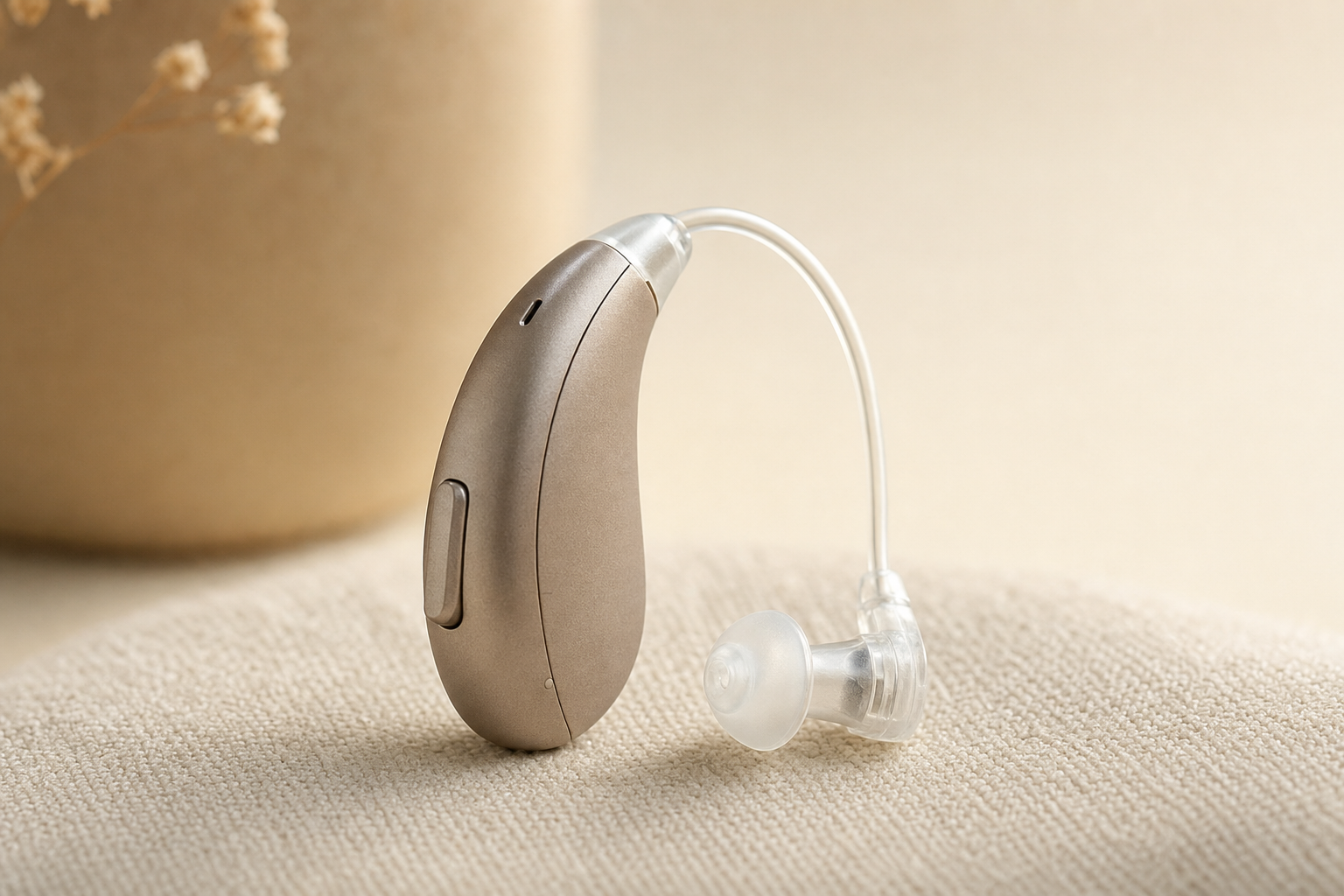
If you use hearing aids or cochlear implants, you do not need to remove them before walking through the security screening equipment. These devices are designed to withstand standard imaging technology and will not be damaged by the X-ray or metal detector. Similarly, external insulin pumps or continuous glucose monitors should stay with you in the cabin, though you should inform the officer that you are wearing them before the screening begins.
For travelers with internal medical technology like pacemakers or heart monitors, the procedure is different. These devices can be sensitive to the magnetic fields in walk-through metal detectors. You should proactively notify the TSA agent about your implant. Instead of passing through the detector, you have the right to request a pat-down or a manual screening. To make this communication smoother, we recommend printing the official TSA Notification Card from the TSA website before your flight from Phoenix. This card allows you to discreetly share your medical condition with the officer without having to explain it verbally in a crowded line.
Medical Device | Screening Protocol | Recommendation |
|---|---|---|
Hearing Aids / Cochlear Implants | Wear through screening | Do not remove |
Pacemakers / ICDs | Notify officer | Request manual pat-down |
Insulin Pumps / CGMs | Notify officer | Request manual screening |
At Digital Assistant, we provide personalized assistance with devices to help you understand how your specific health tech interacts with travel security. Having a clear plan for your medical electronics reduces stress and ensures your equipment remains functional throughout your trip.
Smartwatches and Wearable Fitness Trackers
Wearable technology like the Apple Watch or Fitbit provides invaluable safety features, yet many seniors worry about how these gadgets affect the security process. When evaluating what electronic devices can I bring on a plane carry on vs checked, wearables are unique because they are typically worn throughout the airport. In most modern security lanes, you can keep your smartwatch on your wrist while passing through the walk-through metal detector or the Advanced Imaging Technology (AIT) body scanner. Screening protocols vary based on the specific airport equipment.
If a TSA officer asks you to remove your watch, place it inside your carry-on bag rather than loose in a plastic bin to prevent it from falling out or being misplaced. We often recommend an Apple Watch for Seniors because of its fall detection and GPS capabilities, which offer peace of mind during solo travel. If you need help configuring these safety settings before your flight, our team provides personalized assistance with devices to ensure your wearable is fully optimized for your trip.
Smart Glasses: Can They Fly?
If you use smart glasses, such as Meta Ray-Bans or another brand with a built-in camera and battery, they are treated like a small electronic device. Wear them through security just as you would regular glasses, but be aware of the rules that apply to their battery and camera.
Smart glasses contain a lithium battery, so keep the charging case and any spare batteries in your carry-on bag rather than a checked bag. Some airports ask travelers to remove larger electronic devices for screening, and smart glasses may need to come off and go into a bin at the security checkpoint.
A few airlines and destinations ask that cameras be covered or recording disabled in certain areas. When in doubt, fold them and place them in your carry-on before you reach the screening line, and simply tell the TSA officer you are wearing smart glasses.
Navigating Security at Phoenix Sky Harbor
Navigating the security checkpoints at Phoenix Sky Harbor (PHX) requires local knowledge to ensure a smooth departure. When you are finalizing what electronic devices can I bring on a plane carry on vs checked, keep in mind that Terminal 4 is significantly busier than Terminal 3. Terminal 4 serves major carriers like American and Southwest, meaning the screening areas often face longer queues and more complex walking routes. To minimize time spent standing in line with heavy bags, Phoenix offers a complimentary service called PHX Reserve. This program allows you to schedule a dedicated time for your security screening up to six days in advance.
Using PHX Reserve allows you to arrive at a specific window and bypass the standard long lines; this is especially helpful if you are carrying multiple tablets or laptops that require extra handling. If you are flying out of Terminal 3, you will find the layout more compact, which often leads to a faster transition to the gates. Regardless of which airline you choose, having your tech organized ahead of time is key. Our team provides personalized assistance with devices to help you label your chargers and organize your carry-on before you head to the airport.
If you are traveling light on your own or simply want an extra hand with your bags, consider using a skycap. Skycaps are airport porters who work right outside the terminal near the curbside drop-off and check-in areas. For a small tip, they can help you lift your suitcase onto the scale, check your bags, and get a boarding pass without lugging everything inside yourself. This is especially helpful after a long drive to Phoenix Sky Harbor or when you are managing a carry-on full of electronics plus a rolling bag. Have a few dollars in cash ready for the tip, as many skycaps still work primarily on tips rather than a fixed fee.
The Ultimate Packing Checklist for Tech-Savvy Seniors
Before heading to Sky Harbor, use this list to finalize your organization and resolve any lingering questions about what electronic devices can I bring on a plane carry on vs checked. This system ensures safety compliance while keeping your most important tools accessible during the flight.
Carry-on Bag (High Priority) - Smartphone and tablet (iPad or similar). - E-reader (Kindle or Nook). - Portable power banks and spare lithium batteries. - Hearing aid batteries and backup medical tech. - Charging cables and wall adapters. - Essential medications and prescriptions.
Checked Bag (Low Priority) - Cords or accessories not needed during transit. - Devices containing only alkaline or NiMH batteries. - Protective travel cases and stands.
Plug in every device the night before your flight from Phoenix to ensure you start your journey with full power. If you need help organizing your gear, we provide personalized assistance with devices to help you prepare for a seamless travel experience.
Navigating airline rules for your electronics ensures a smooth journey. Remember to keep your essential devices and spare batteries in your carry on bag to stay compliant and prepared. If you want expert help organizing your digital travel documents or setting up your devices for international use, feel free to explore our Services. We are here to make your technology work for you, allowing you to focus on the excitement of your next adventure instead of technical hurdles.